My first application
2. Create an application
2.1. Install Create Wizard
Install the “Smals Project Creation Wizard” plugin from the JDSS update site.
In the menu Help > Install New Software…, select the Smals update site (or create it if it doesn’t exist). Url is Smals - http://albanil00.smals.be/updatesite/neon.
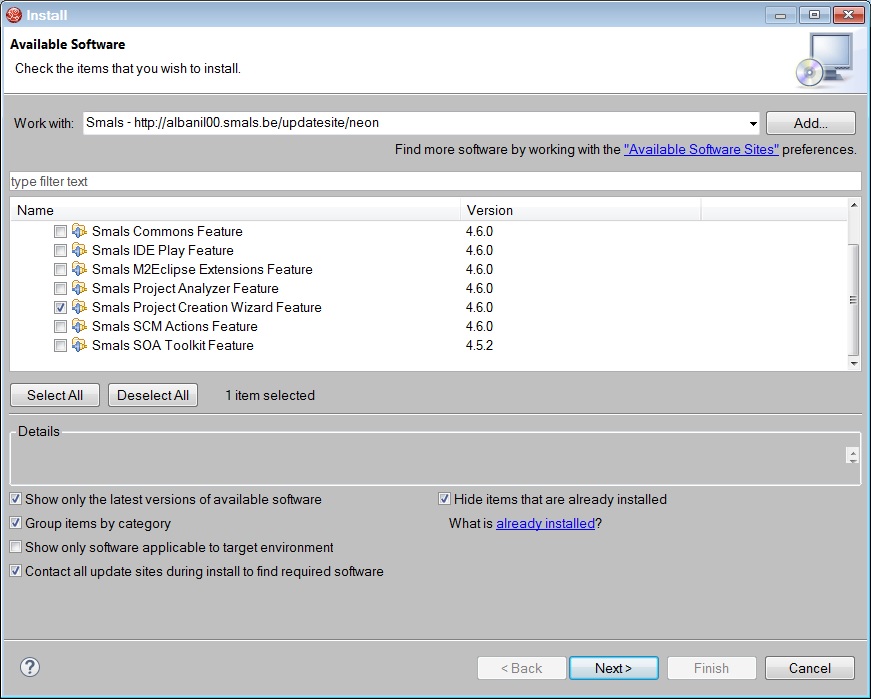
Select the Smals Project Creation Wizard plugin and follow the wizard.
You will need to restart JBDS at the end of the installation.