My first application
Completion requirements
This book help you to create your first jboss application with JDSS tooling.
2. Create an application
2.2. Create a project
In
the menu File
> New > Other…,
select Smals Projects > Smals
Default Project
and click on Next.
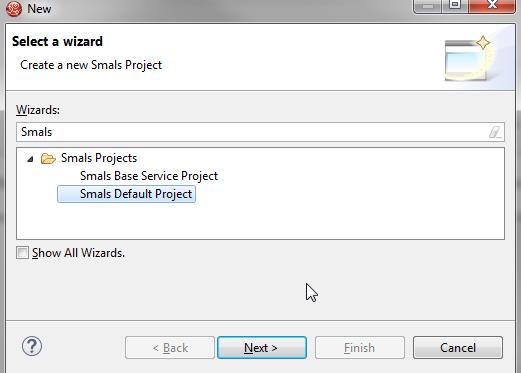
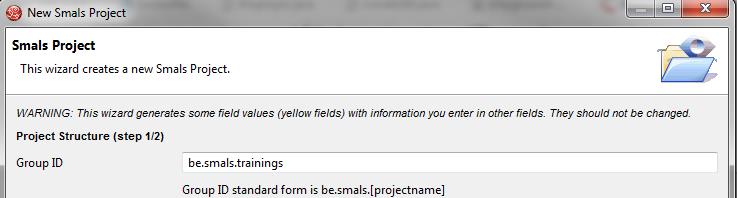
Enter the Group ID be.smals.trainings and click on Next.
Add
a master component helloXX
where XX is your userId. Then, add a web component.
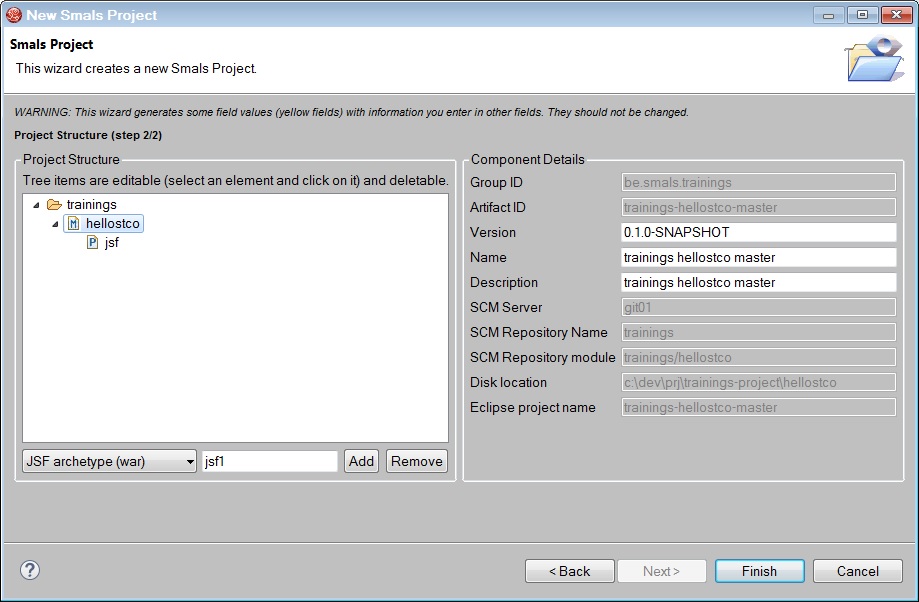
Click on Finish.
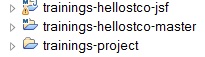
You should see these projects in JBDS.