My first application
Completion requirements
This book help you to create your first jboss application with JDSS tooling.
5. GIT and jenkins
5.1. Share your project
Use your favorite git client git bash or your IDE
In
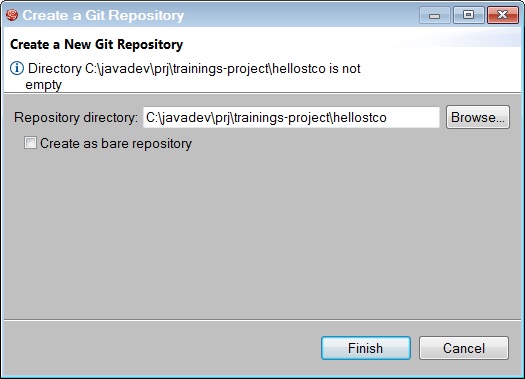
JBDS, in the Git perspective, click on the  Create a next local Git Repository button.
Go back in the JBoss or Java perspective, select the trainings-hellosXX-master project, right-click on it and select Team > Commit….
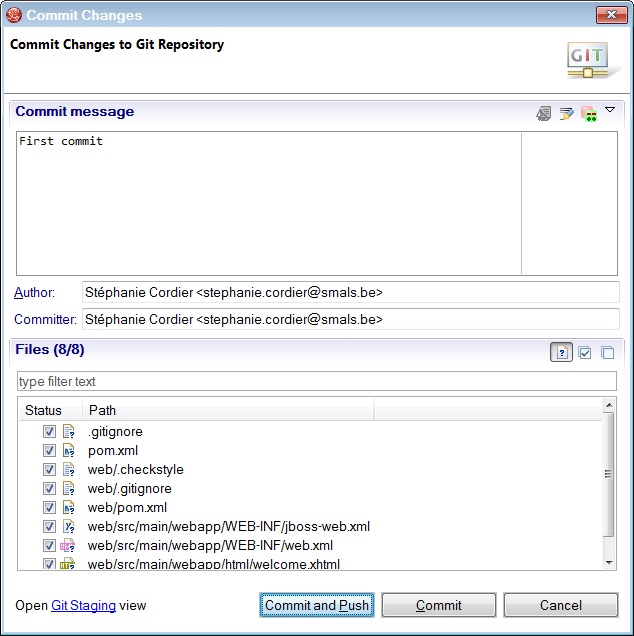
Fill in the following form and click on Commit and Push button.
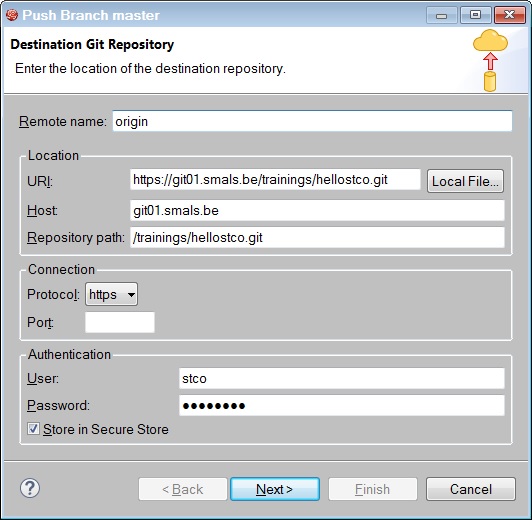
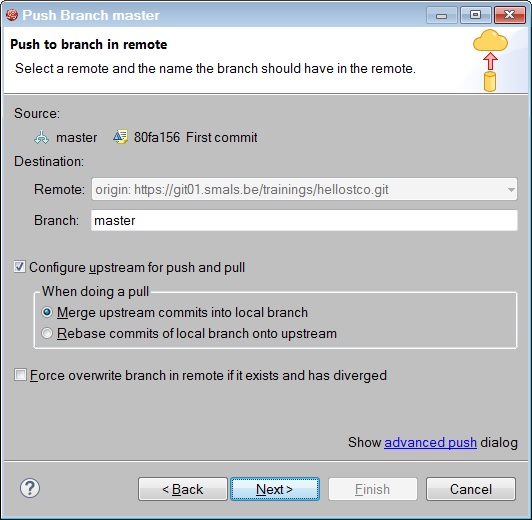
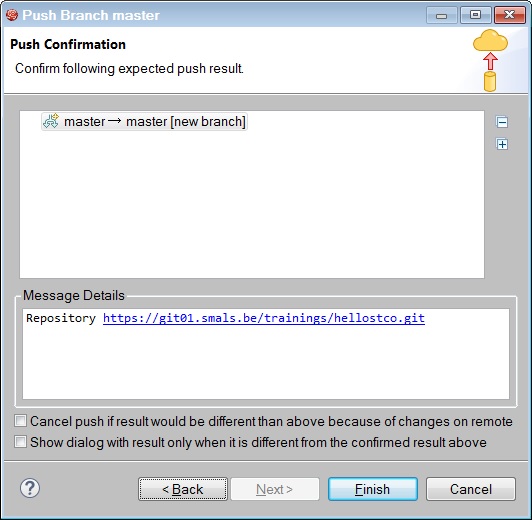
Then you must configure your Destination Git Repository for the first time. The protocol is SSH. This protocol uses a public and private key.