My first application
6. Add project in Openshift
6.2. Create Openshift Configuration
All interractions with openshift are done with the console or CLI. This exercise explains it with the console and jenkins.
1) Connect to the console with your scloud account. (www.scloud.be)
2) Choose socsec-test-trainings project
3) Your application is not yet in the socsec-test-trainings. You must create your application in this project. We recommend you to use the jenkins task.
- SCM_REMOTE : gitlab@git01.smals.be:trainings/hello[userId].git
- DOCKER_IMAGE_NAME : trainings-helloXX
- ARTIFACT_ID : trainings-helloXX
- ENVIRONMENTS : tst
- APPLICATION_NAME : trainings-helloXX
- DOCKER_REPO_NAME : container-snapshot.smals.be
- OPENSHIFT_PROJECT_NAME : socsec-test-trainings
- CONTEXT_ROOT : trainings-helloXX-jsf
- EXTERNAL_PORT : 8080
- INTERNAL_PORT : 8080
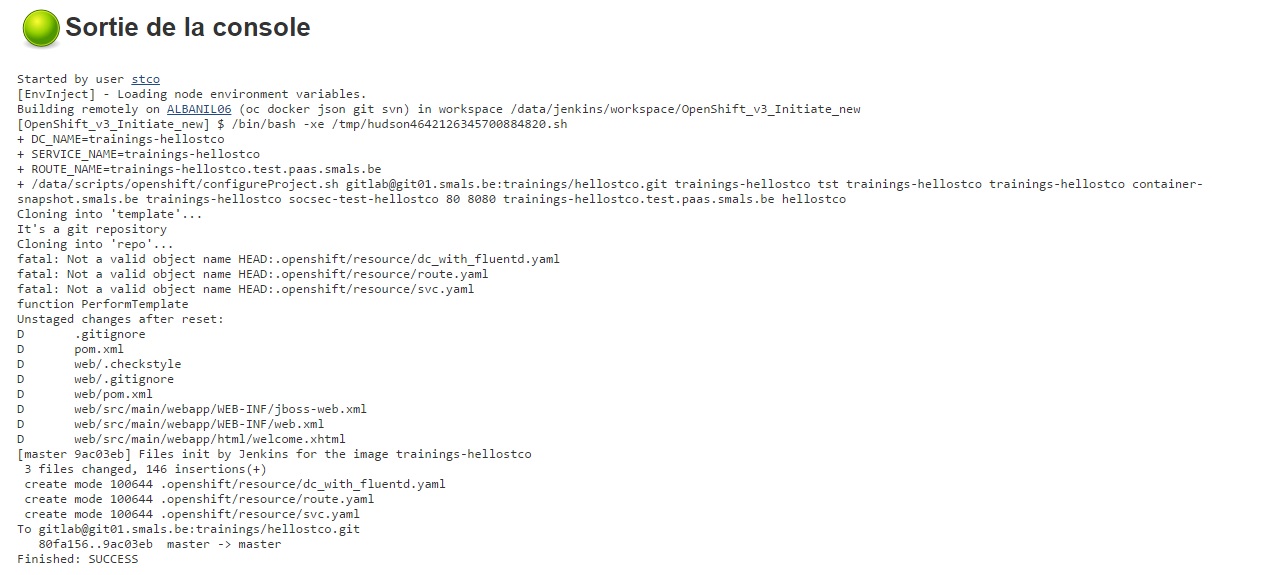
Build the job and the result should be OK.