
My first application
Completion requirements
This book help you to create your first jboss application with JDSS tooling.
6. Add project in Openshift
6.7. Build and deploy your application
1) Build in jenkins the task "BuildDockerSnapshot "

2) The BuildDockerSnapshot should be ok .

This task build the image and copy the result in Artifactory. the image should be available in Artifactory in the repository docker.local.snapshot.
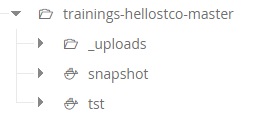
3) The BuildDockerSnapshot call after DeployOC

4) Verify the log after the build
In the Openshift console, you should see your component.

5) Check is your application is deployed.
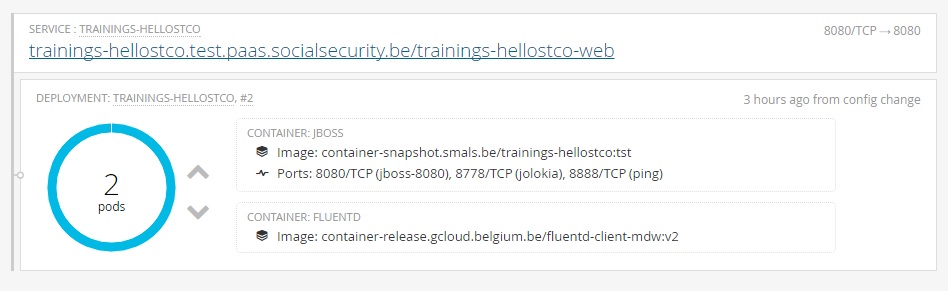
6) Click on the title (trainings-hellostco.test.paas.smals.be/trainings-hellostco-web), it will open a new tab with the application.