
Manual deployment on Openshift
In our first exercise, we deployed on the test server via the build pipeline of Jenkins. It’s also possible to deploy through Docker at Smals and the console (or CLI).
Add deployments folder
Build your project and copy war in .openshift/deployments (manual or with maven-war-plugin). Pay attention, not push in GIT => Add .gitignore
<plugin>
<groupId>org.apache.maven.plugins</groupId>
<artifactId>maven-war-plugin</artifactId>
<configuration>
<outputDirectory>${basedir}/../.openshift/deployments</outputDirectory>
</configuration>
</plugin>
Create your docker image
1) Start Docker at Smals
2) Go to the project folder
cd /c/dev/prj/trainings-project/hellostco/
3) Build your image
docker build -t container-snapshot.smals.be/trainings-hellostco:tst .4) Copy your new image to artifactory
docker push container-snapshot.smals.be/trainings-hellostco:tst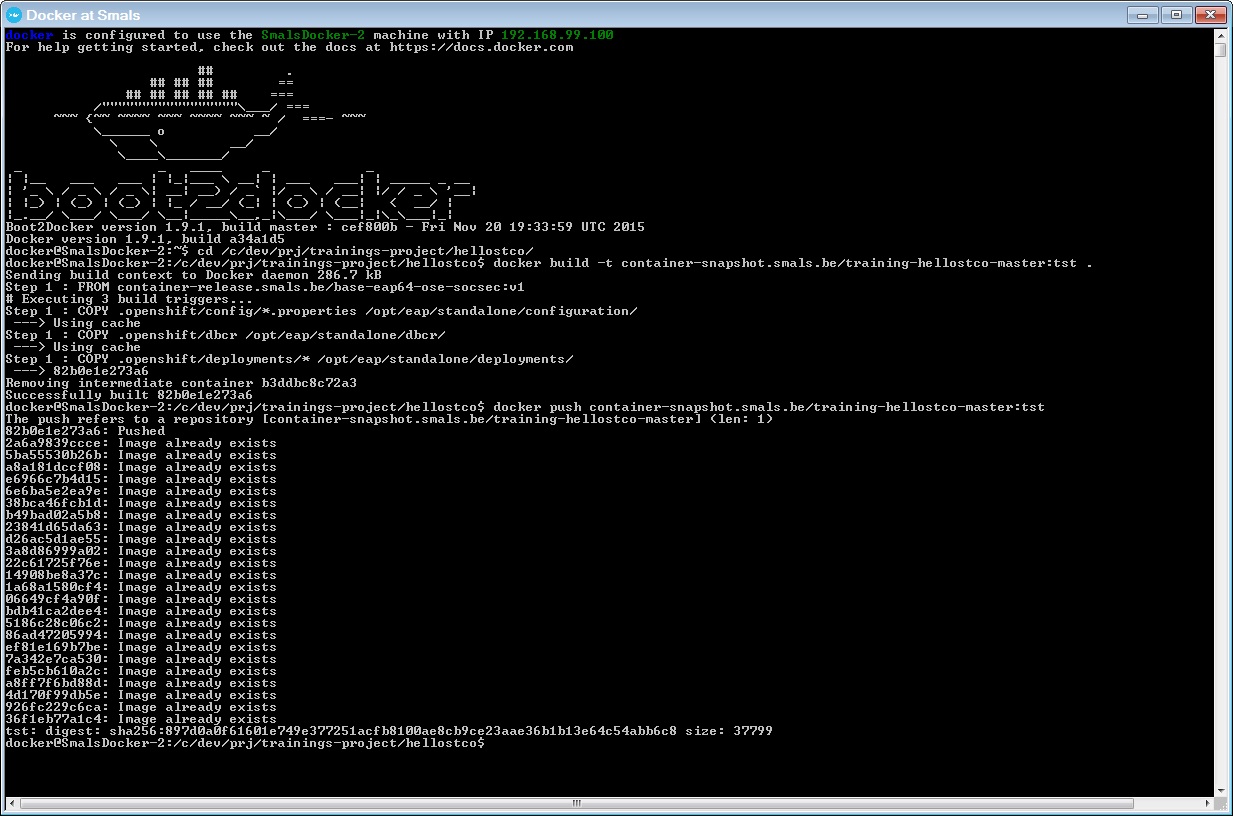
Add your project in Openshift
To add a project in Openshift, you must use the CLI command.
Open a DOS command and go to the C:\dev\prj\trainings-project\hellostco\.openshift\resource folder.
Add dc
Add your deployement configuration.
oc create -f dc.yaml
And verify with the command
oc get dc
Modify the number of pod and put 1.
oc edit dc trainings-helloXX
Verify the number of pod.
oc get pod | grep XX
Add service
Add your service.
oc create -f svc.yaml
And verify with the command
oc get service
Add route
Add your route.
oc create -f route.yaml
And verify with the command
oc get routeDeploy your application
Now, Openshift knows the application but the application is not deployed.
You must add a deployment.
oc deploy trainings-helloXX --latest
You can check the deployment with the event. You can filter with the event "Created" or you userId.
oc get events --watch | grep Created
You can check the result.
oc get pods | grep [userId]

After the name of the dc, you have the number of the deployment.
Or
oc deploy trainings-hellostco
With the console
You can also deploy with the GCloud console. You must click on Deploy button in deployment view
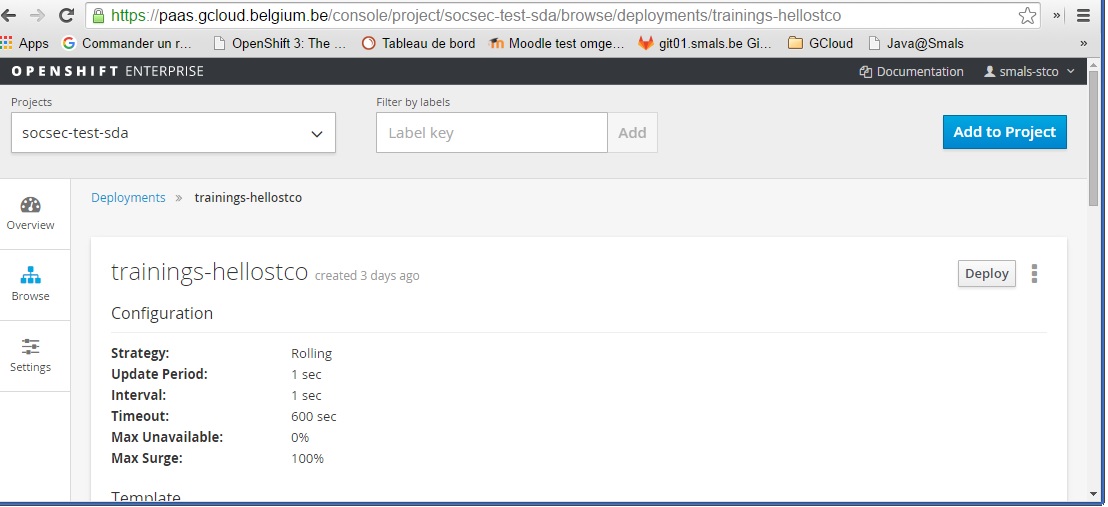
In the console Openshift, you have the log and a terminal for jboss container.

In the console, you can check the folder but also execute the command. For example, a curl to see if your application respond.
Command : curl http://$HOSTNAME:8080/trainings-hellostco-jsf/
