Moose
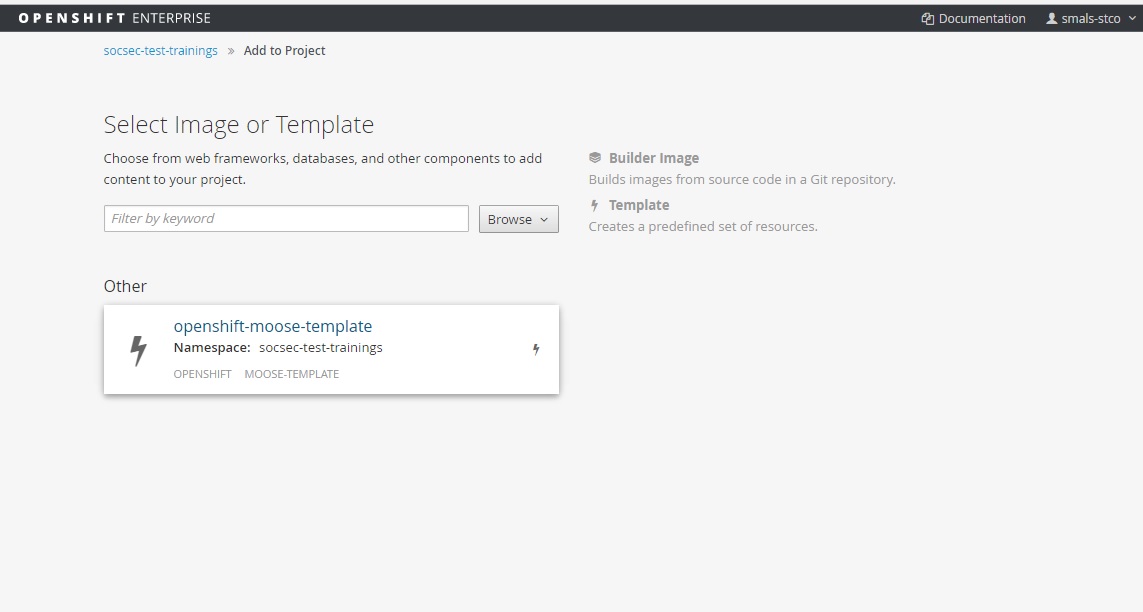
Add moose v3 in your project.
Web.xml
Add security configuration in the web.xml (this code is available on a comment)
<!-- Add security -->
<login-config>
<auth-method>VALVE-IAM</auth-method>
</login-config>
<security-role>
<role-name>professional</role-name>
</security-role>
<security-constraint>
<web-resource-collection>
<web-resource-name>secured pages</web-resource-name>
<description>Access for authentified users</description>
<url-pattern>*.xhtml</url-pattern>
</web-resource-collection>
<auth-constraint>
<role-name>professional</role-name>
</auth-constraint>
</security-constraint>
<security-constraint>
<web-resource-collection>
<web-resource-name>Open Content</web-resource-name>
<url-pattern>/javax.faces.resource/*</url-pattern>
</web-resource-collection>
</security-constraint>
Add the urn in the env-entry.
<env-entry>
<description>the UAM unique urn of the application</description>
<env-entry-name>urn:be:smals:uam:system:urn</env-entry-name>
<env-entry-type>java.lang.String</env-entry-type>
<env-entry-value>commonbuild:test:web</env-entry-value><!-- Set the application urn for UAM -->
</env-entry>
The security in the jboss-web.xml is already configured.
Test with UAM
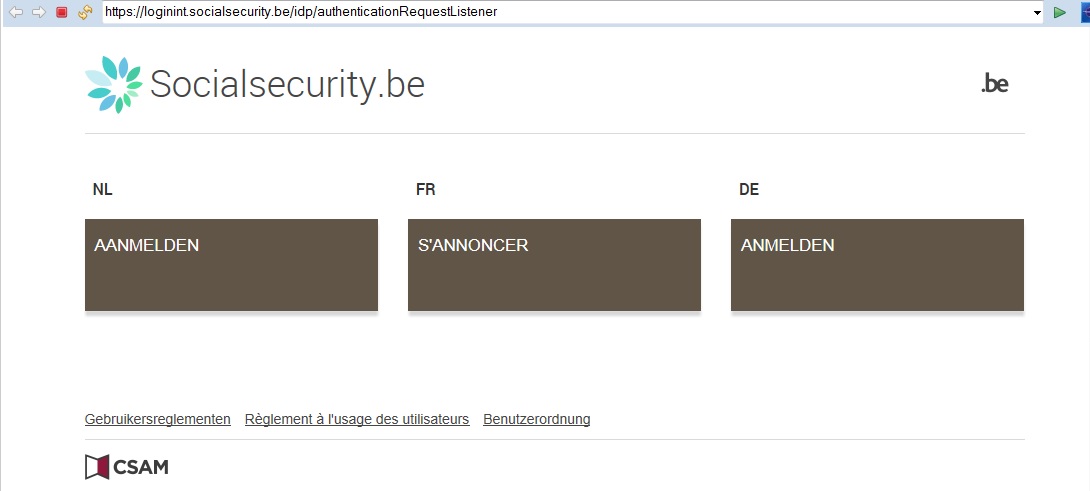
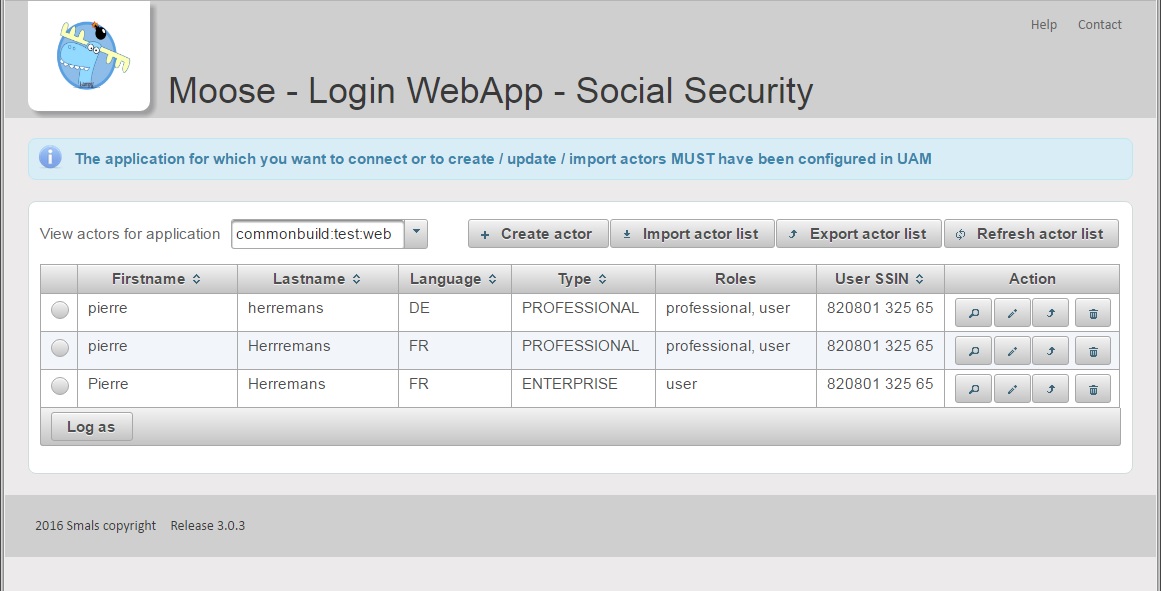
Test with your application, you have the web app login.
Use Moose
Override the config UAM with moose in hellostco-system-dev.properties.
COMMONBUILD_WALI_IDP_LOGIN_URL = http://moose-socsec-test-016-uman.test.paas.socialsecurity.be/moose-idp/authenticationRequestListener
COMMONBUILD_WALI_IDP_LOGOUT_URL = http://moose-socsec-test-016-uman.test.paas.socialsecurity.be/moose-idp/logoutRequestListener
COMMONBUILD_WALI_IDP_ERROR_URL = http://moose-socsec-test-016-uman.test.paas.socialsecurity.be/moose-idp/errorListener
Deploy moose
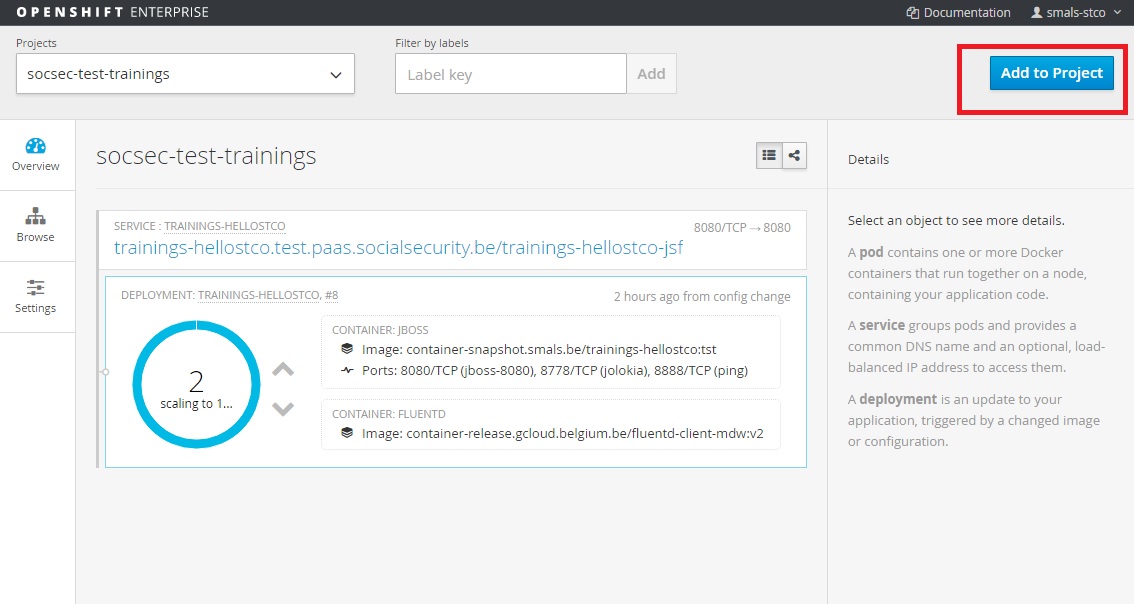
You can add moose with the Add project button in the console of Openshift.